MH/Admin
Your shop, behind the scenes
MH/Admin brings everyday shop operations and your MassageHub website settings into one place. Explore the workflows before contacting us.
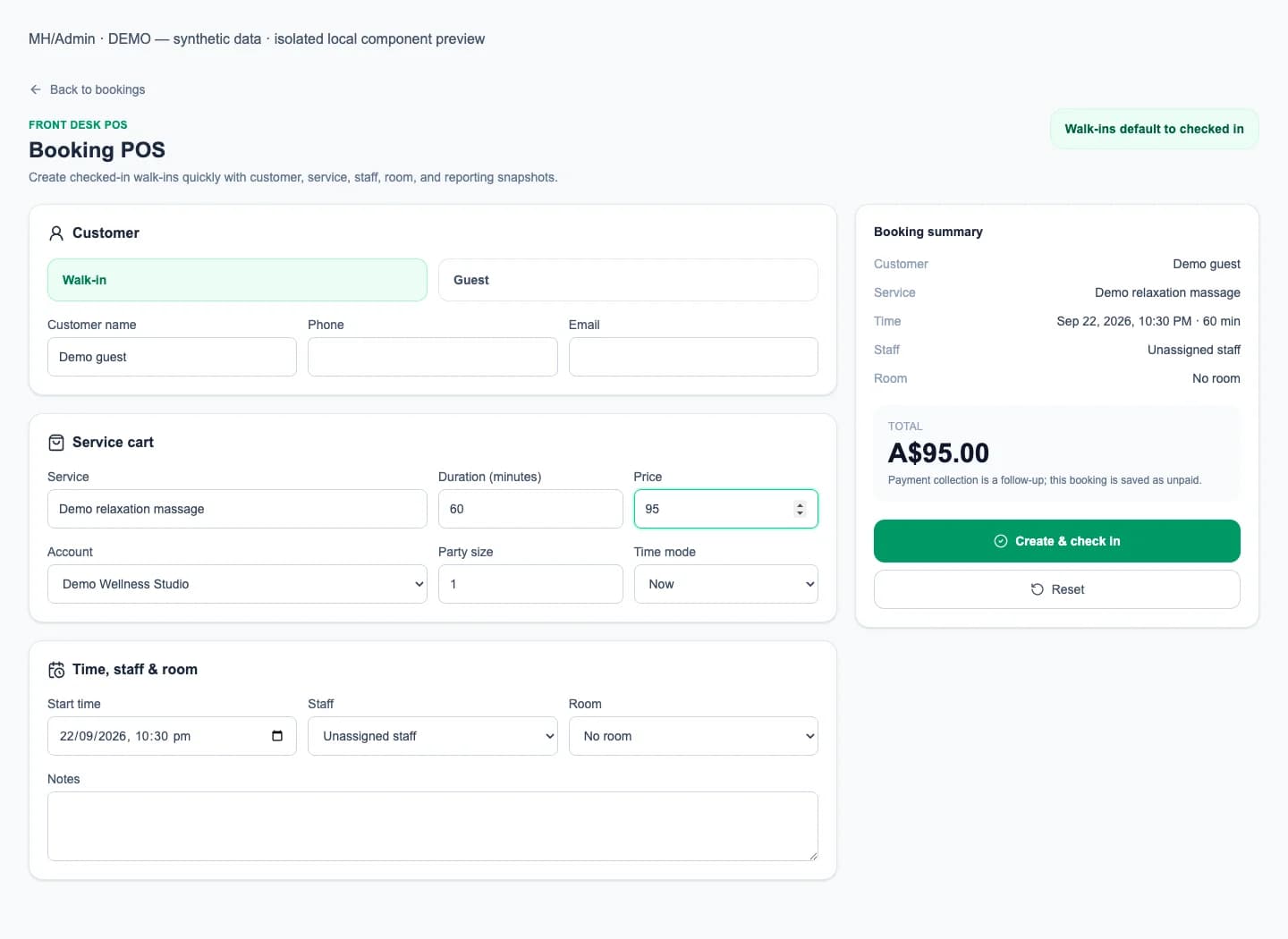
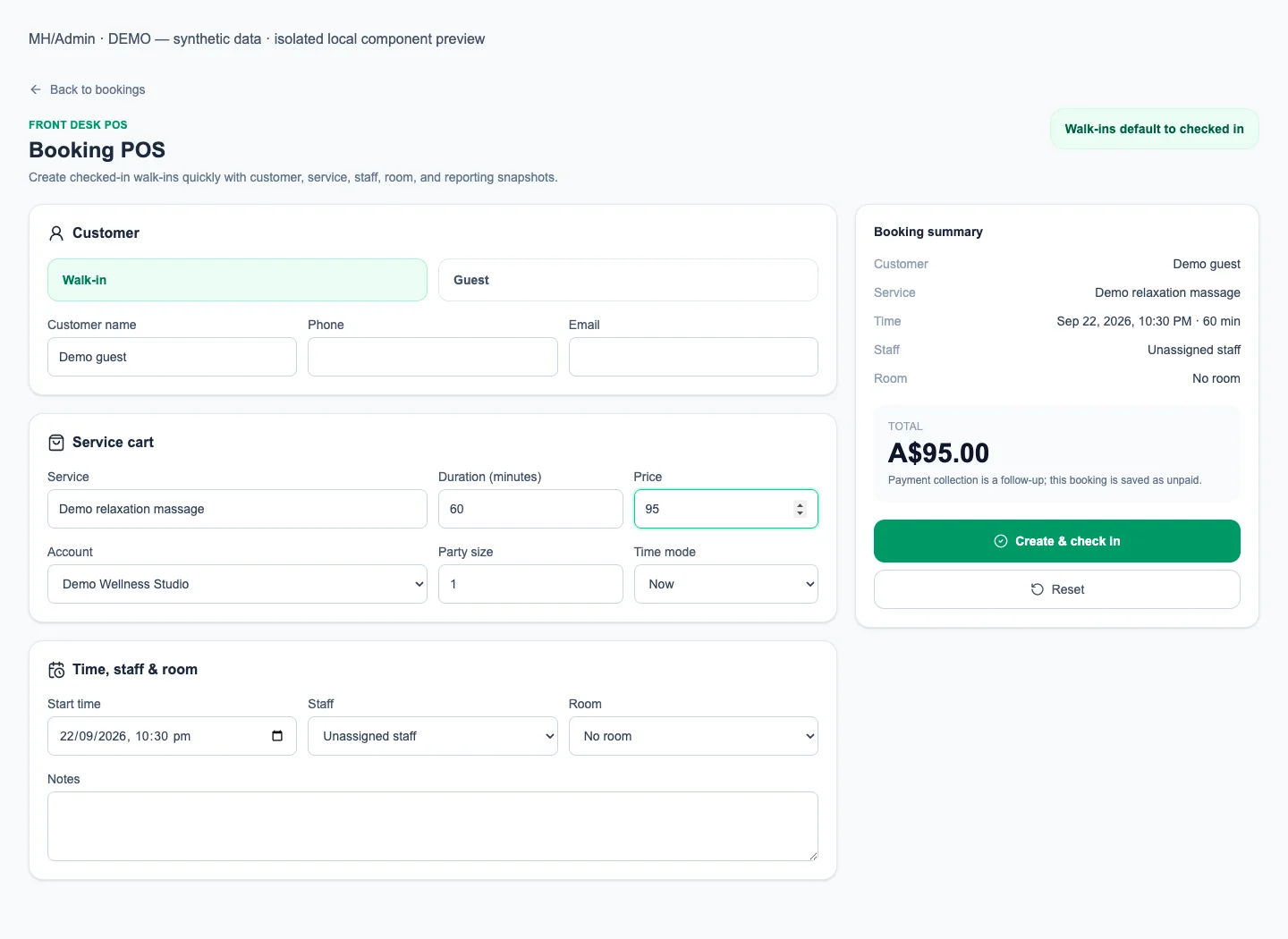
Booking entry
Enter customer, service, duration and price details in Booking POS, then review the booking summary before creating a walk-in booking.
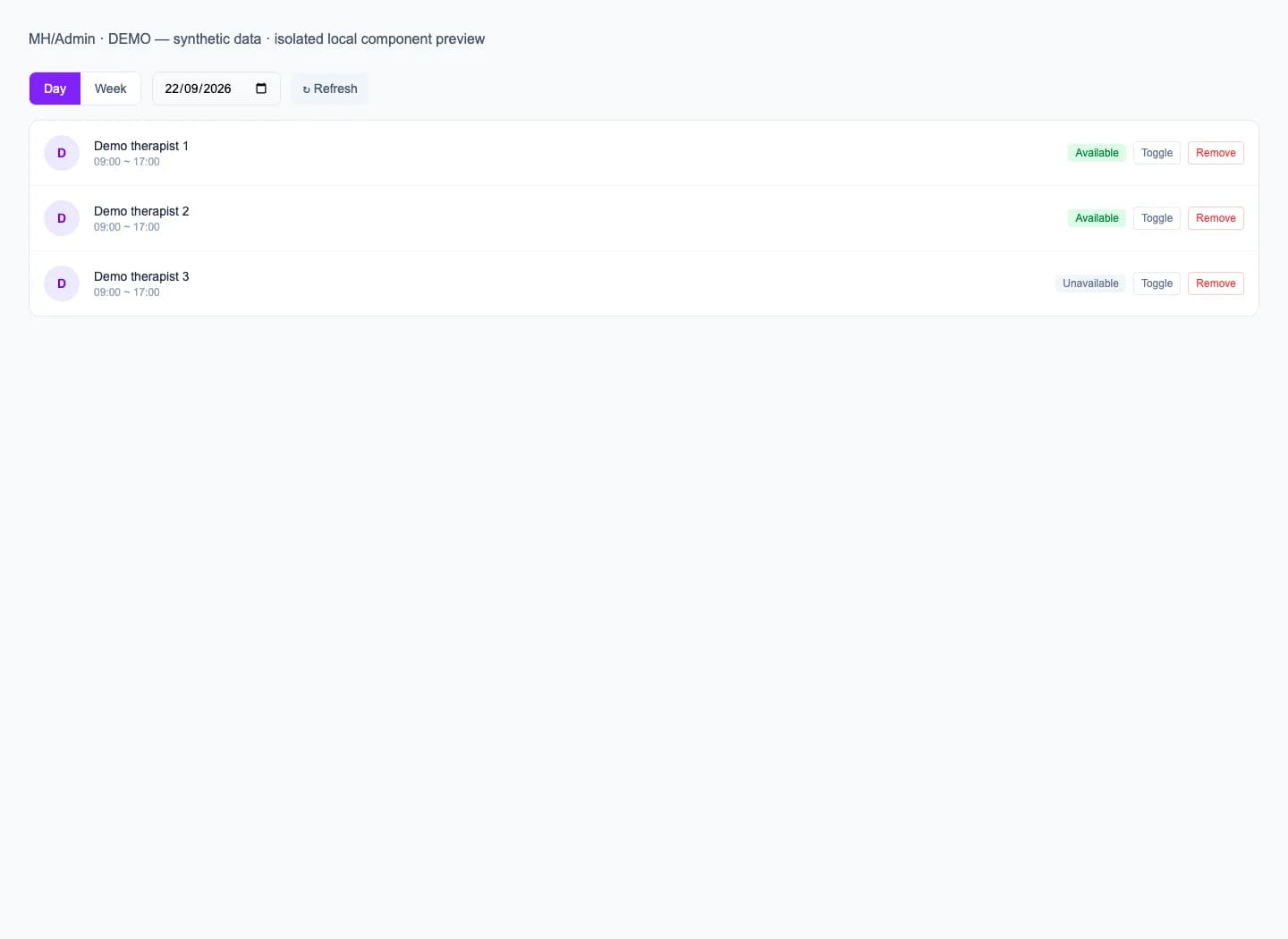
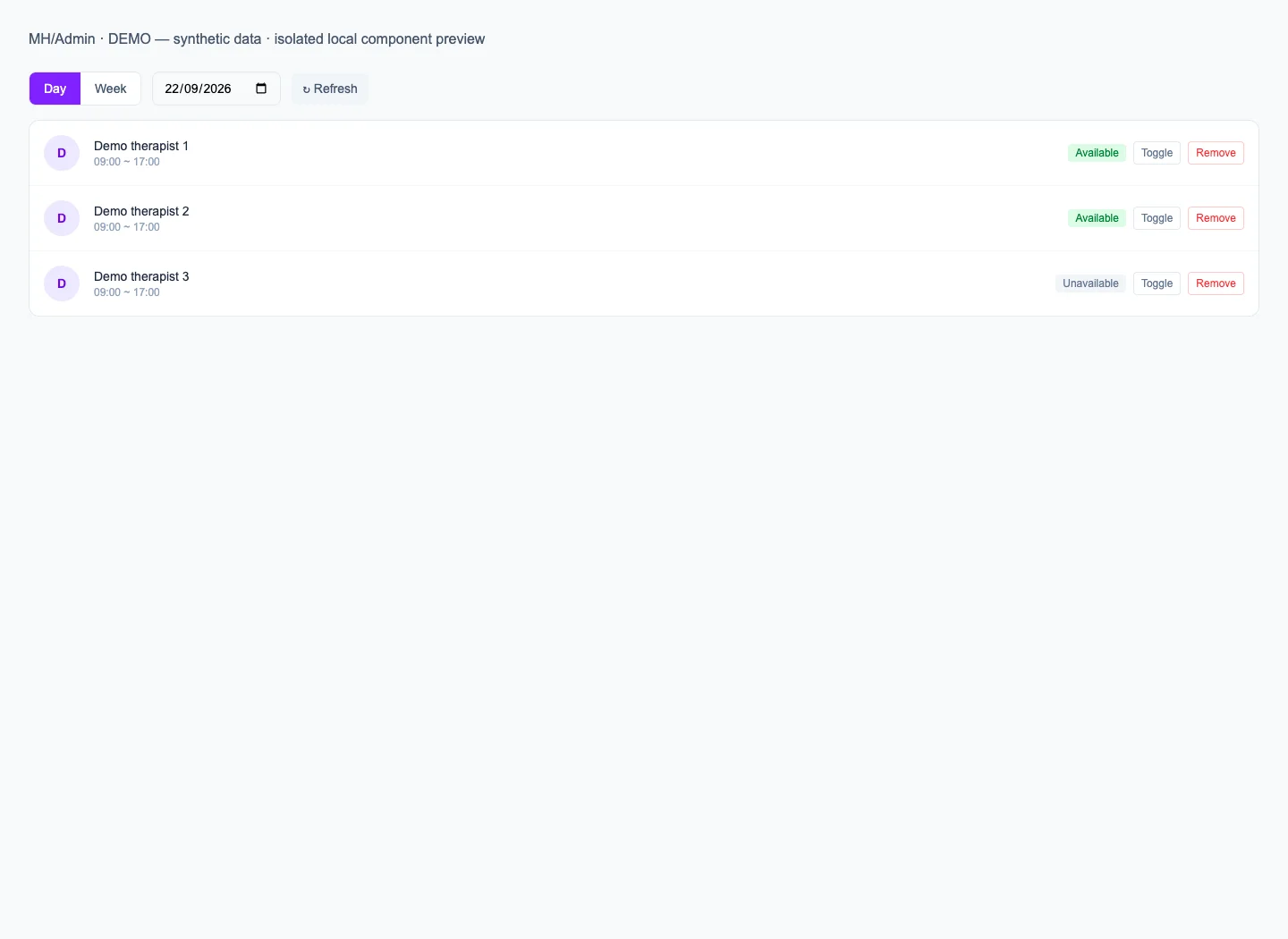
Staff and rosters
Plan staff availability using recurring roster rules and date-specific exceptions, then review upcoming availability before assigning work.
Payment records
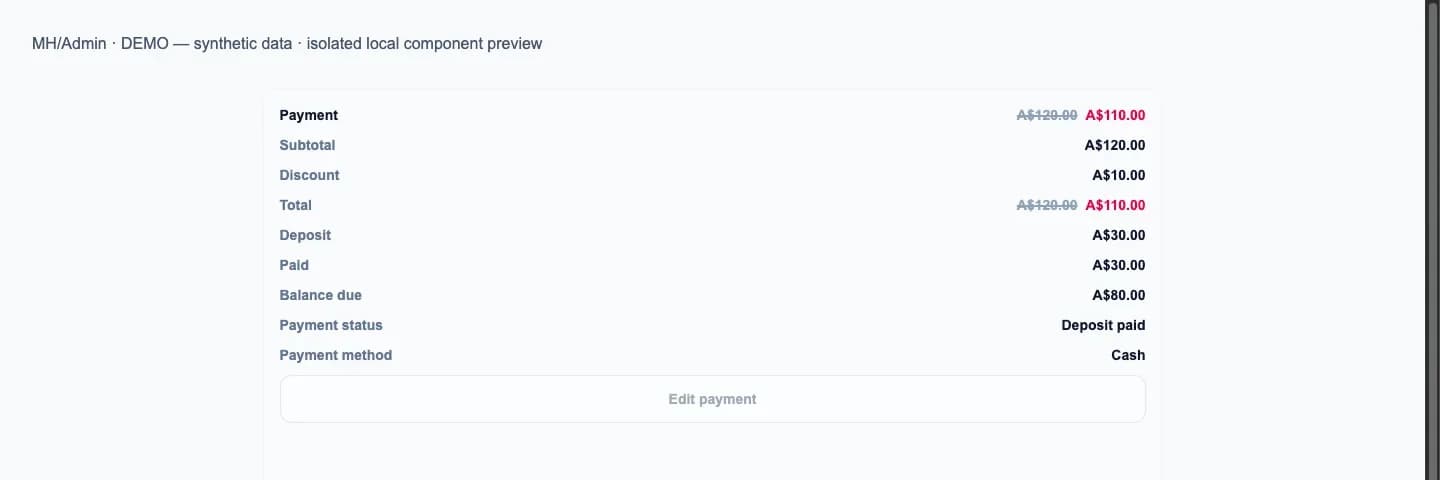
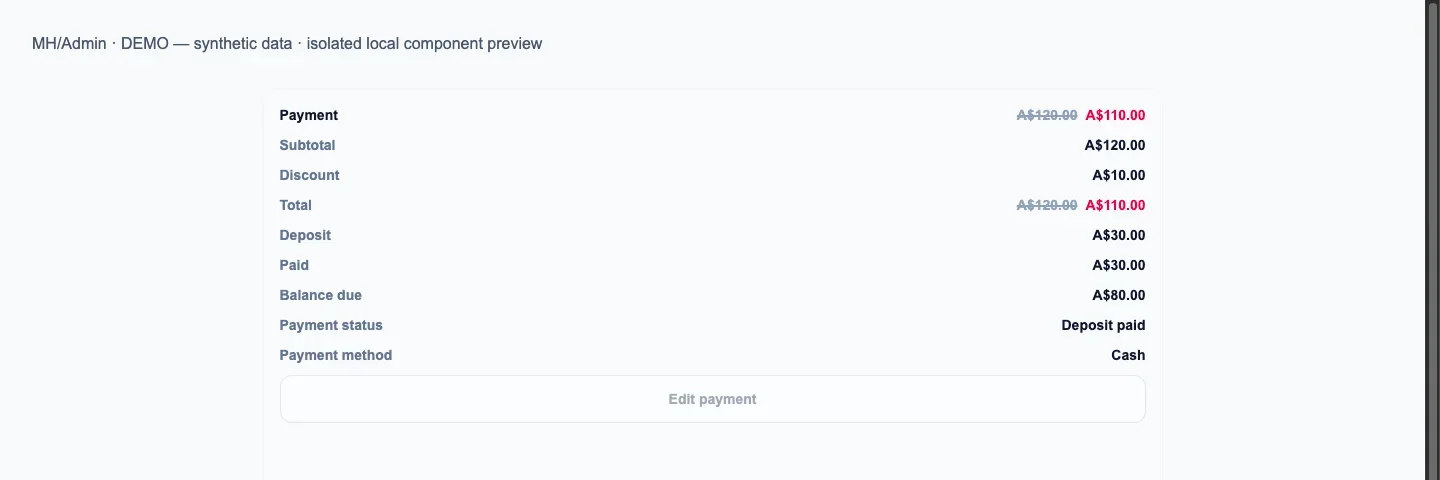
Check booking totals, deposits, paid amounts and payment status together to see what has been recorded. Online payment availability depends on your shop’s payment setup.
Website and public listing
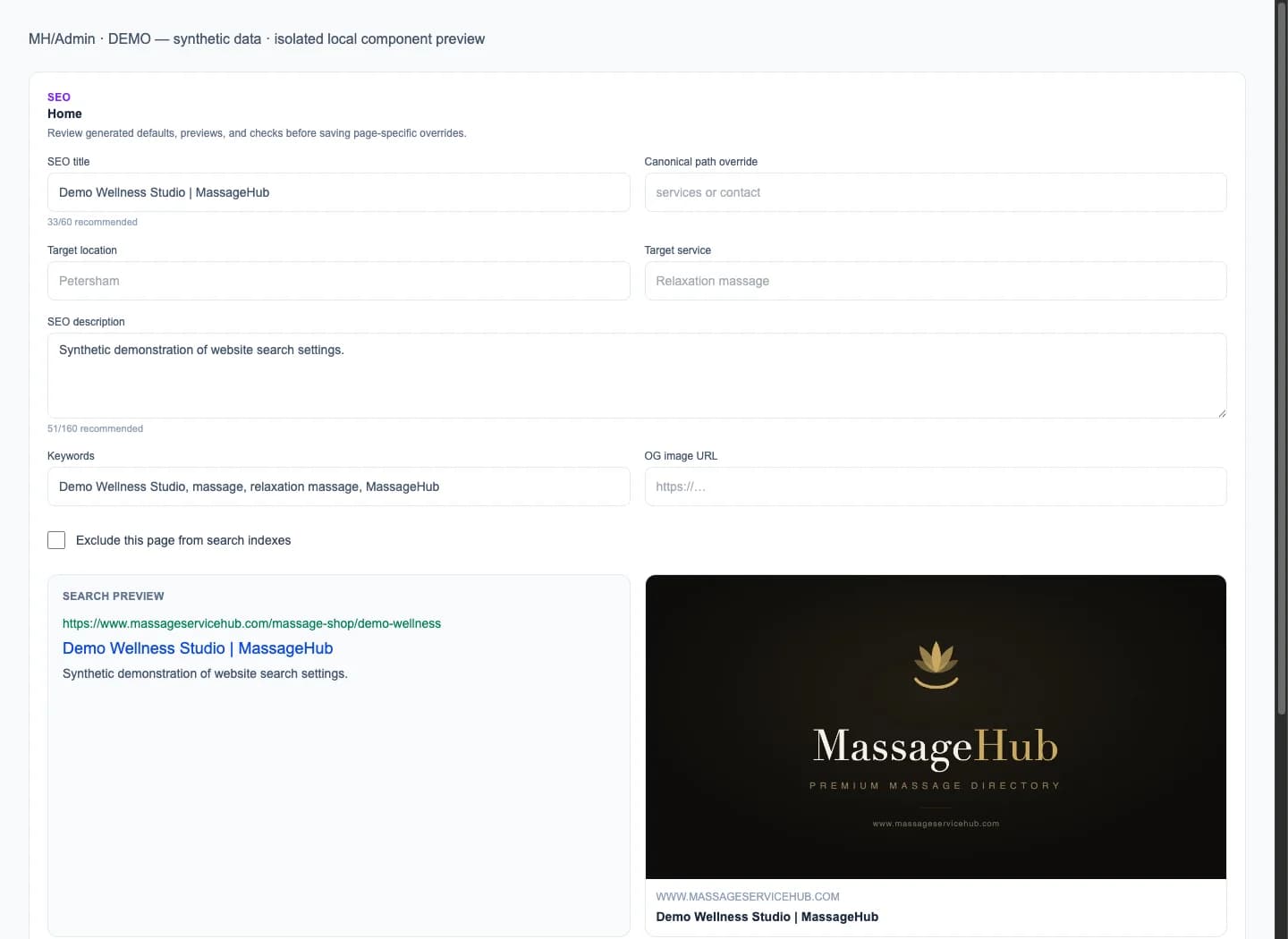
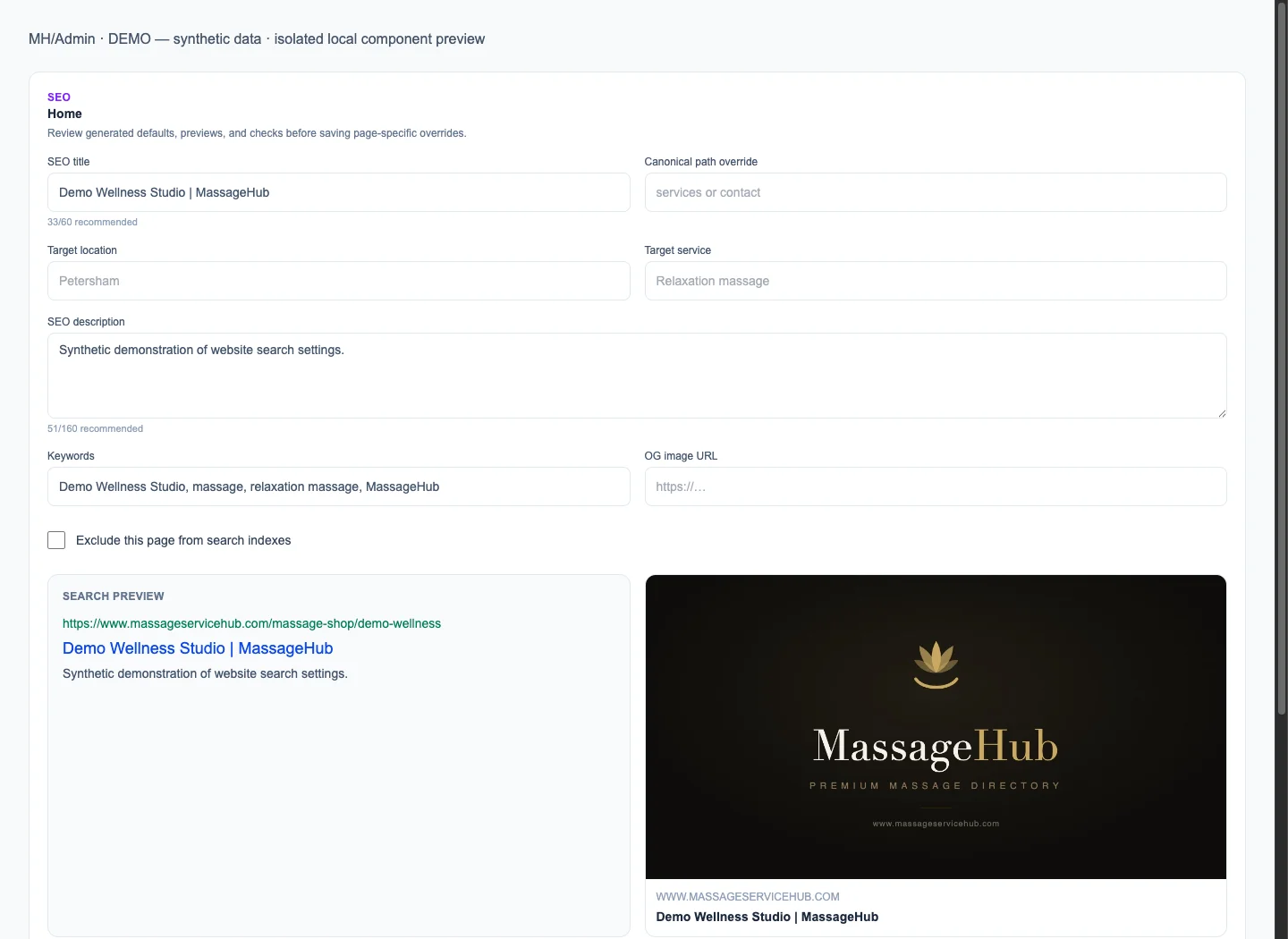
Keep the information customers see current: edit home banners, about text, services, prices, contact details, business hours and supported page SEO settings.
These tools manage supported MassageHub shop pages, not an unrestricted website builder. Public visibility and custom-domain use depend on your shop configuration and domain setup.
From Admin to your public shop
Keep shop details current in Admin, review the customer-facing pages, and use your public shop link for discovery and bookings. Booking and payment records remain in the private Admin area.