MH/Admin
Run your massage shop from your phone
Run bookings, rosters, staff and customers from your phone, and use the desktop Admin for reports and setup. Look through each screen before you contact us.
On your phone
The owner mobile app covers the work that happens on the shop floor. Every screen here is also available in the desktop Admin.
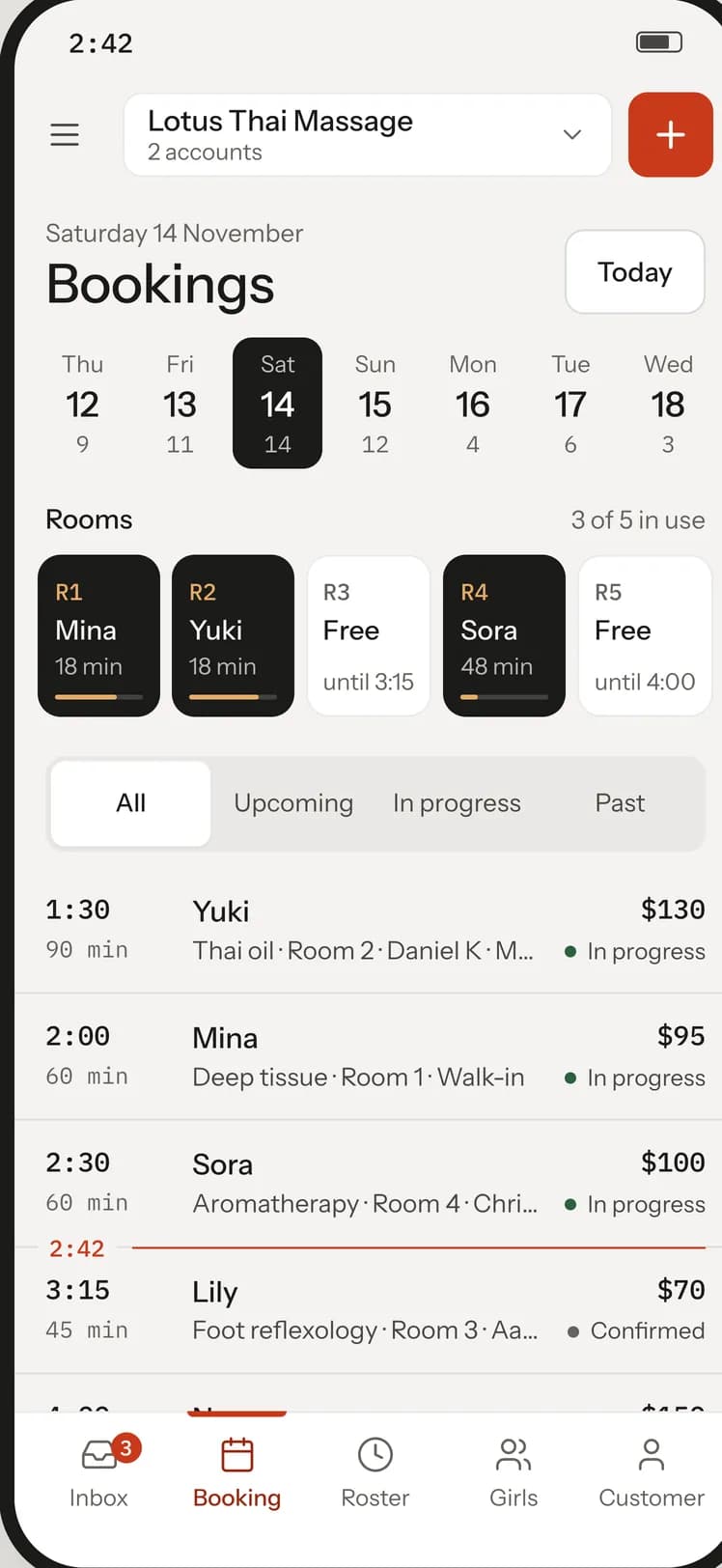
Bookings
Take walk-in, phone and online bookings from your phone, and see the whole day by room and status.
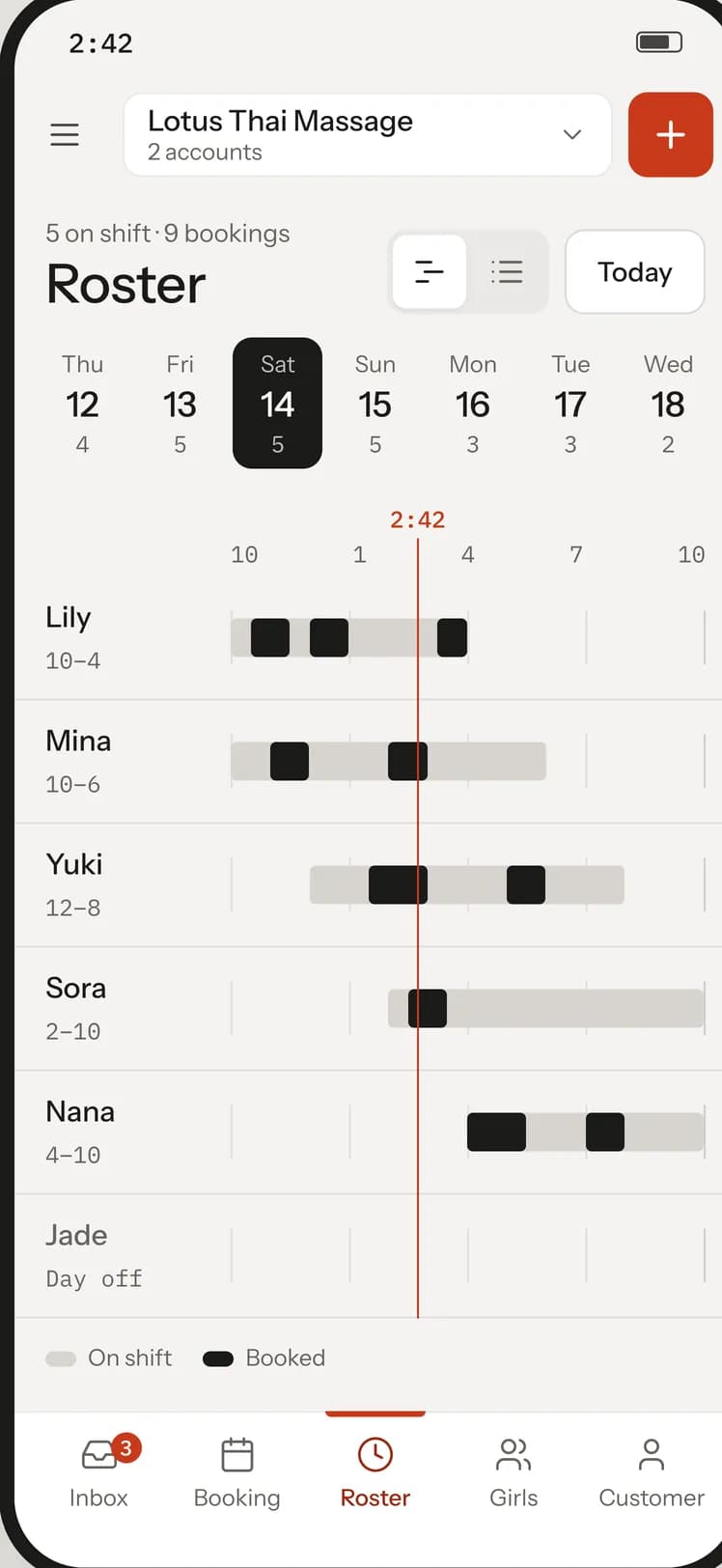
Roster
Set who works when, and check the day’s roster on a timeline or a list.
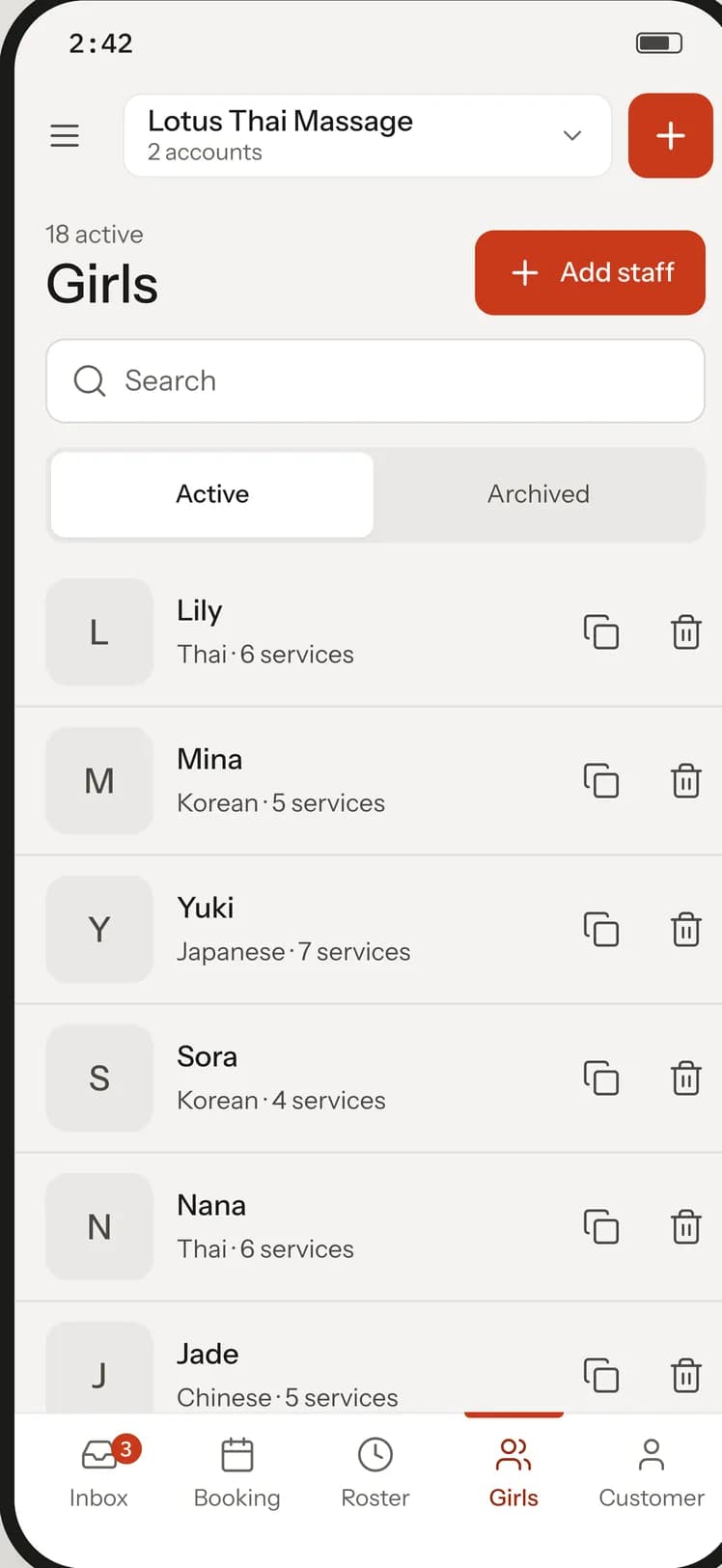
Staff
Add and update staff profiles, photos included, from your phone.
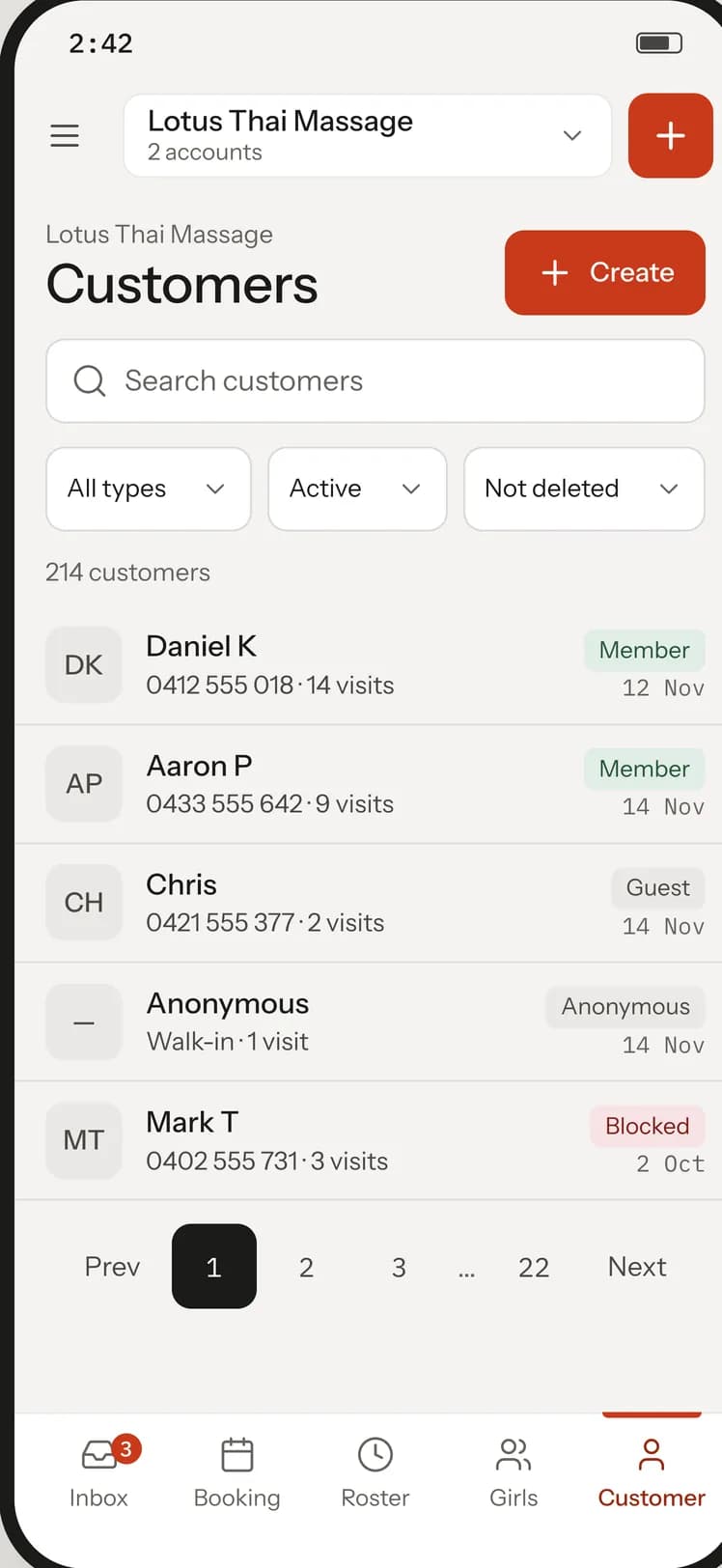
Customers
Find a customer quickly and keep their details up to date.
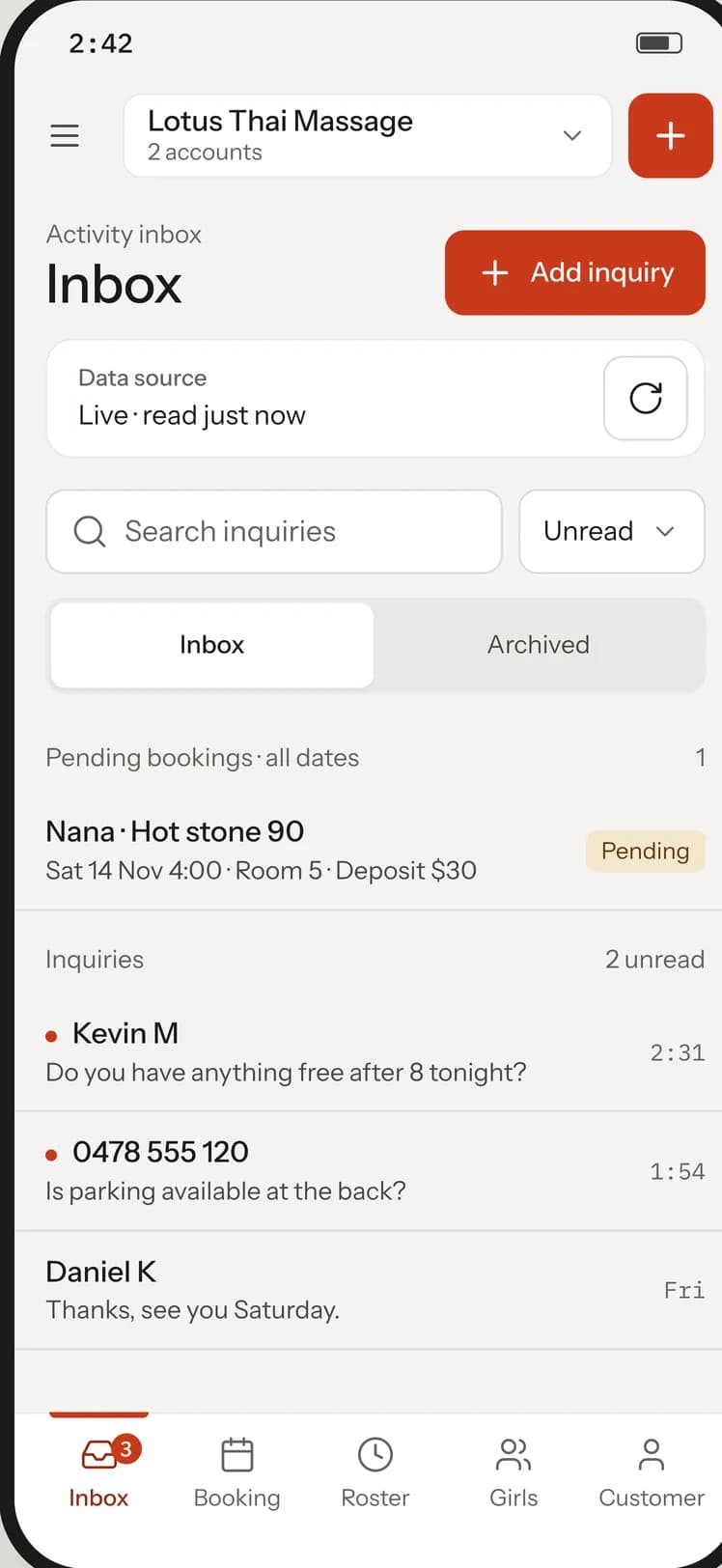
Inbox
Read and answer customer inquiries and booking requests in one inbox.
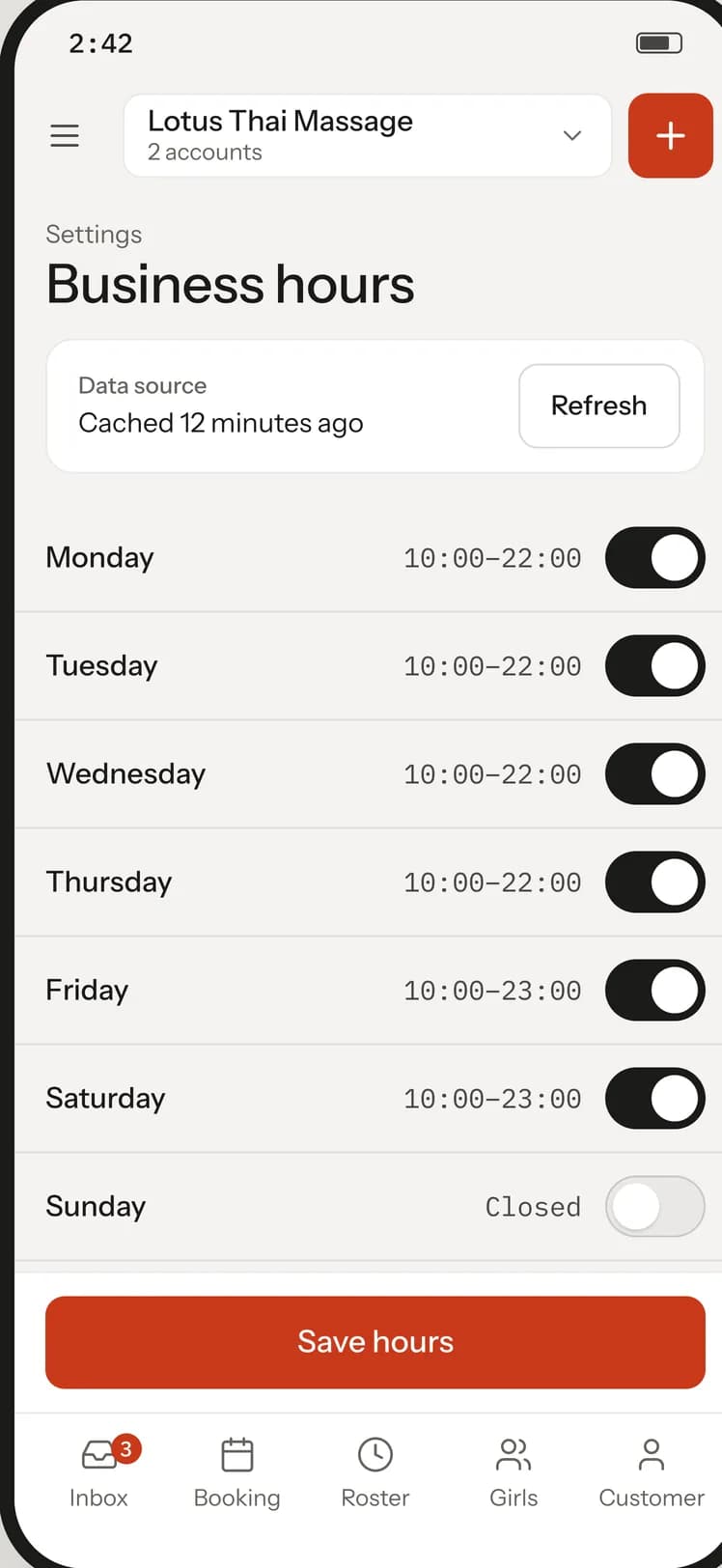
Shop settings
Change business hours, rooms and general shop settings without waiting for a desktop.
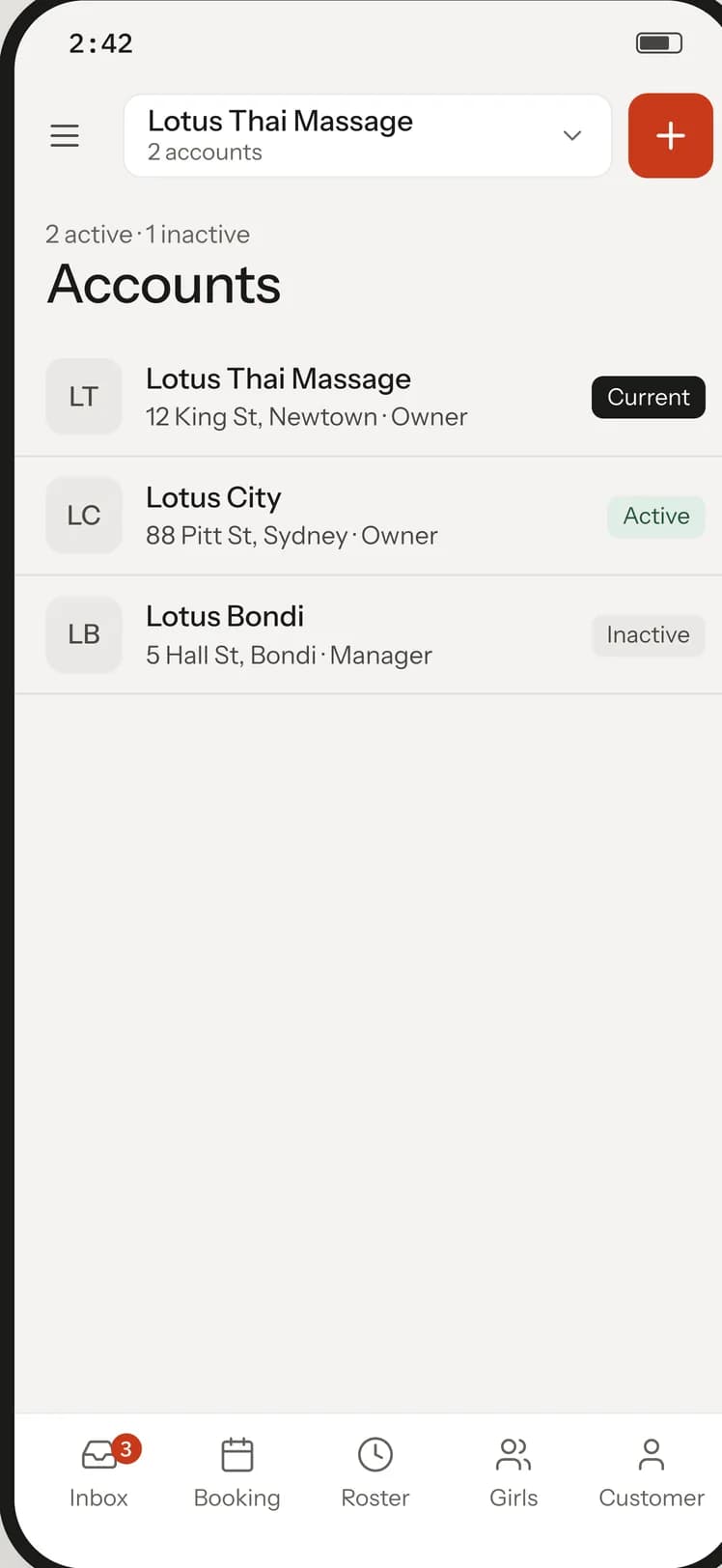
Shop account and subscription
Keep your shop’s public details current and check your plan and payment history.
Mobile app screens shown with sample data
On the desktop
Reports, expenses and setup work that is easier on a larger screen.
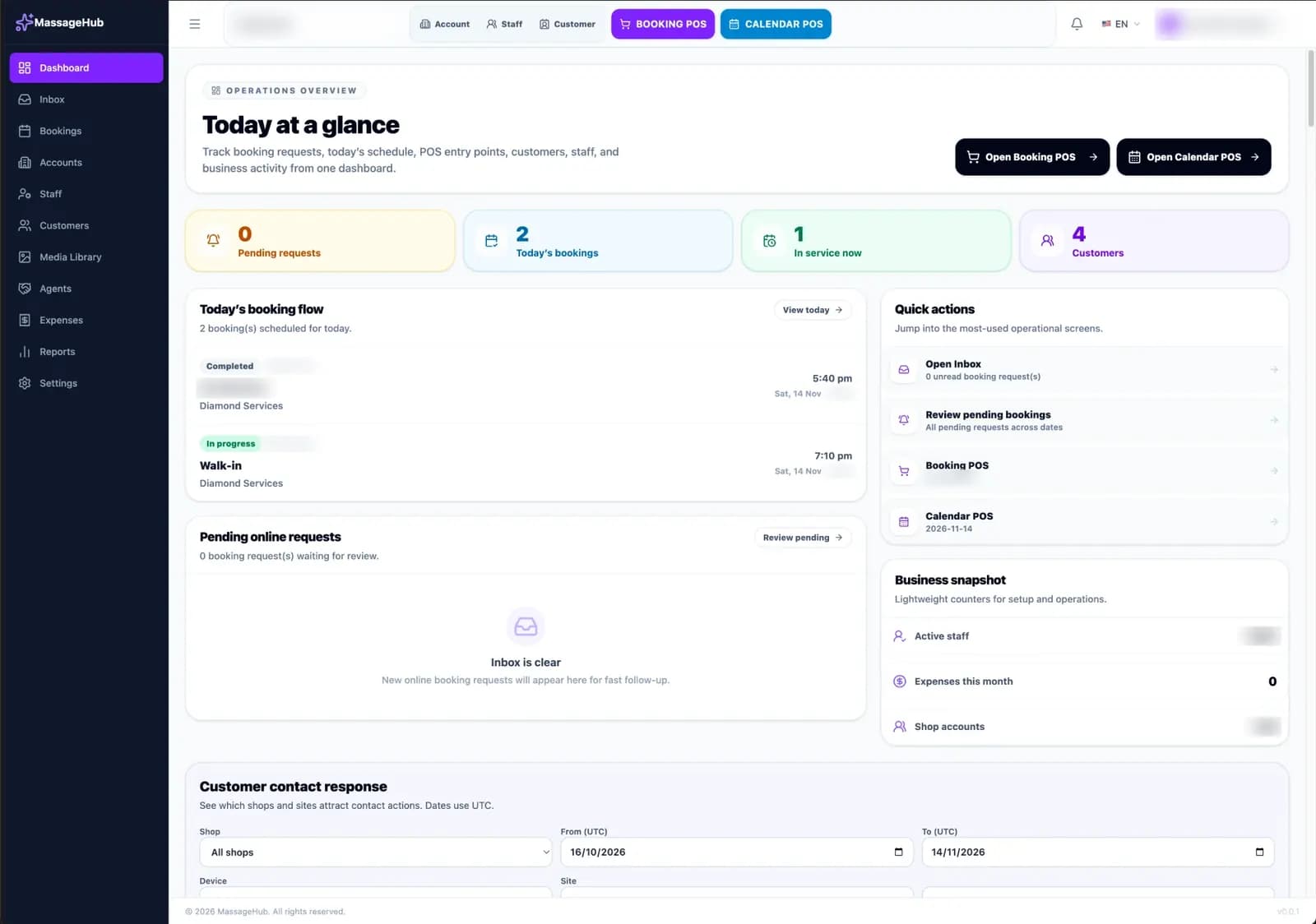
Dashboard
See today’s bookings, pending requests and who is in service as soon as you open Admin.
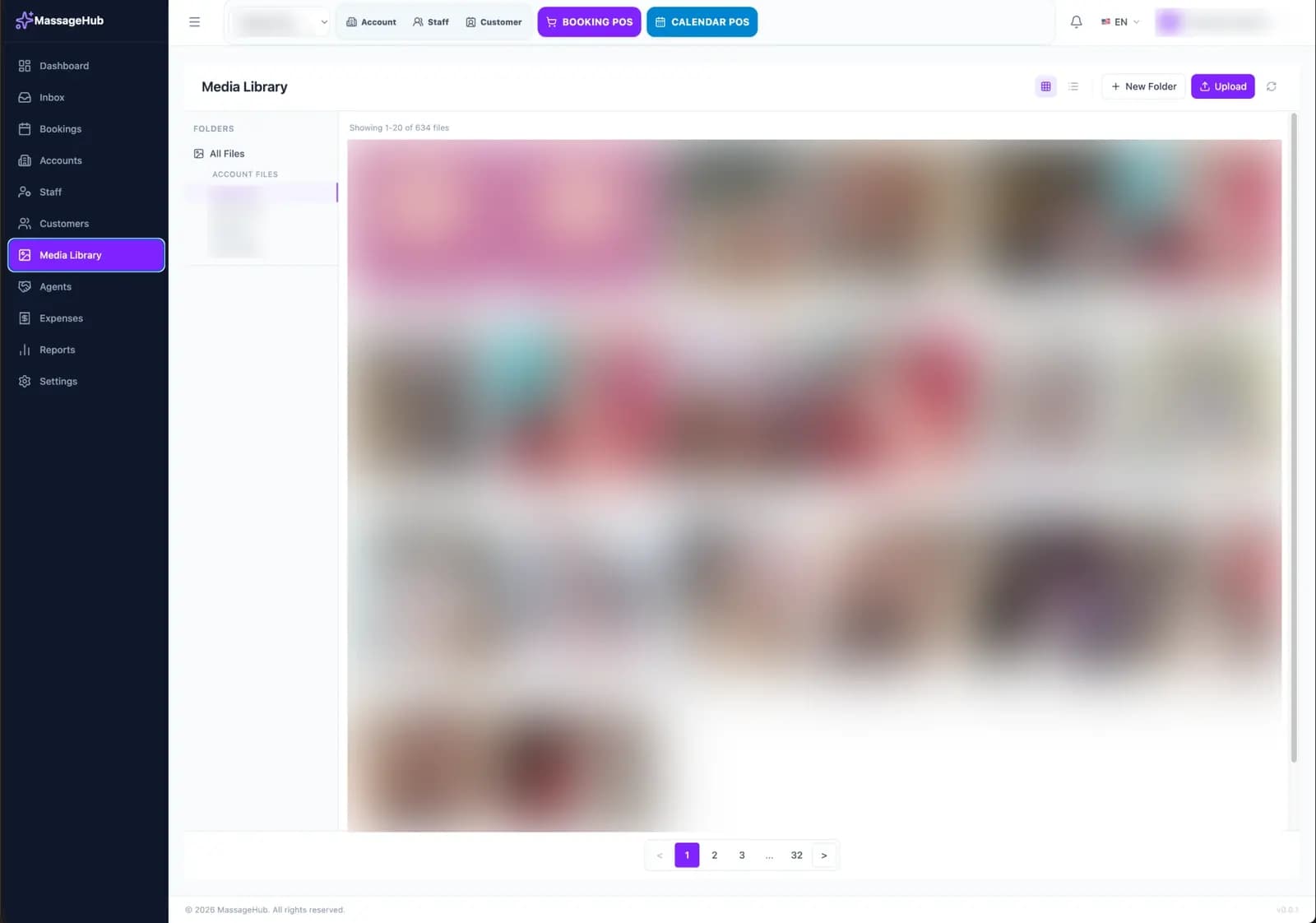
Media library
Keep your shop’s photos in one library, ready for your site.
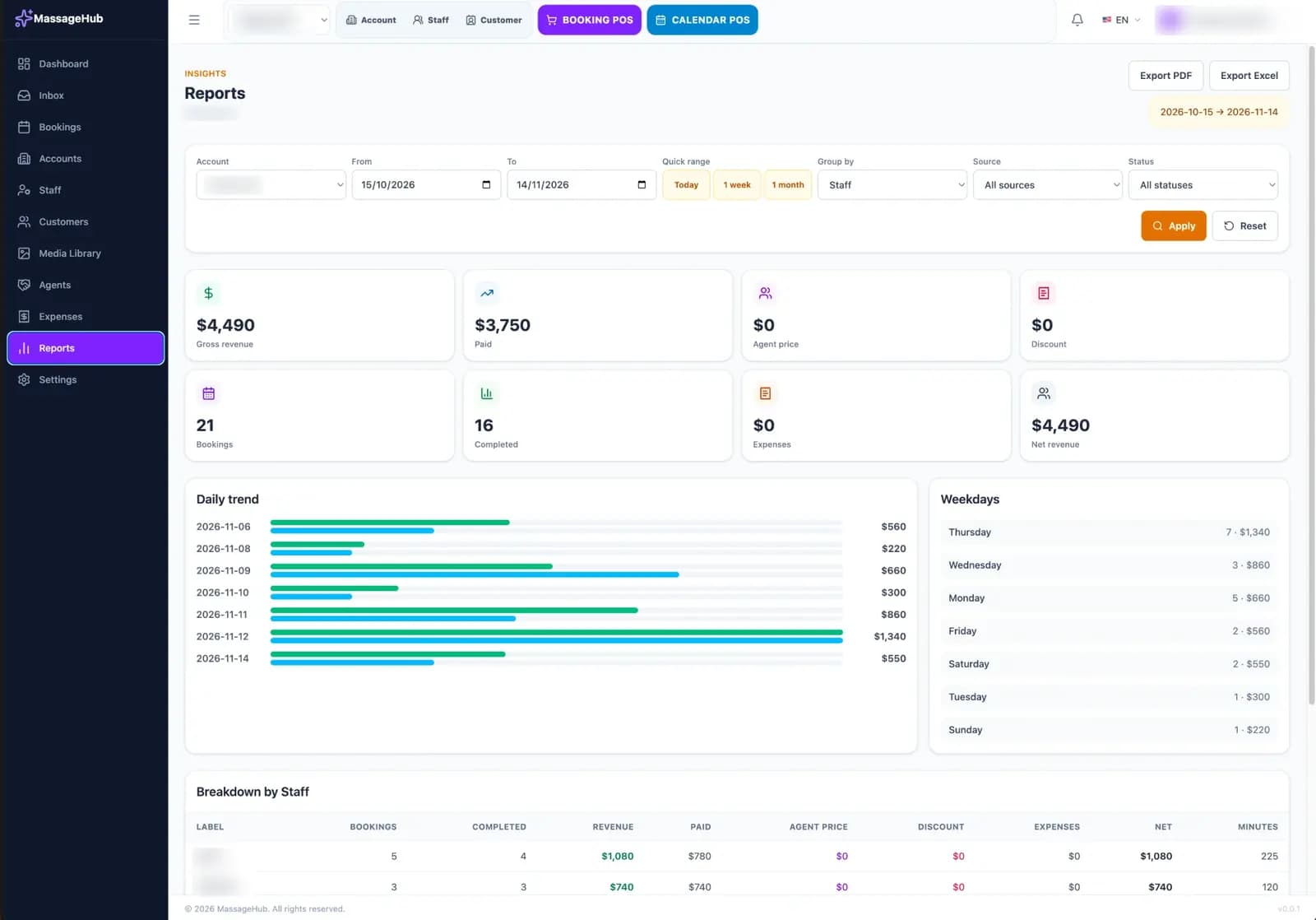
Reports
See revenue, payments, discounts and expenses for any date range, grouped by staff.
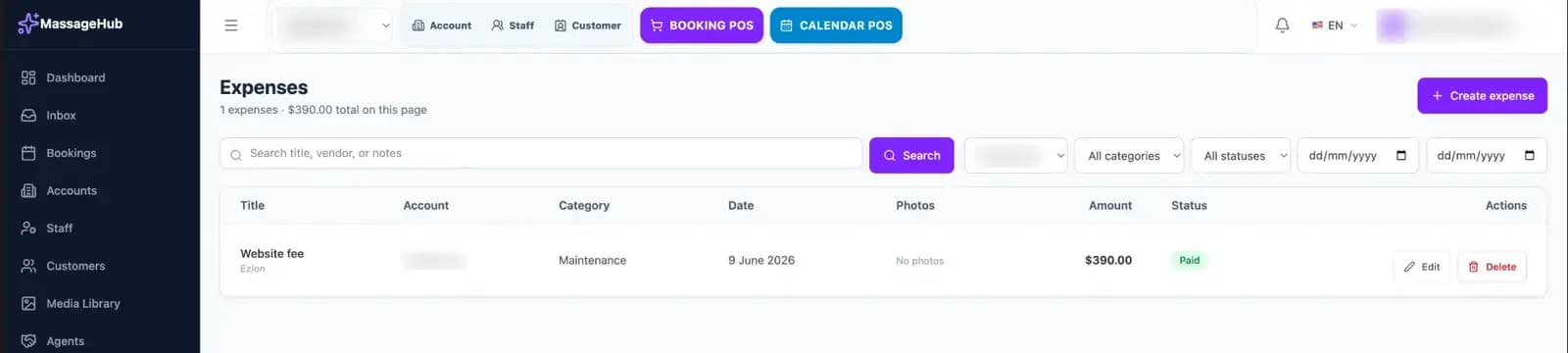
Expenses
Record shop expenses with a category, a date and receipt photos.
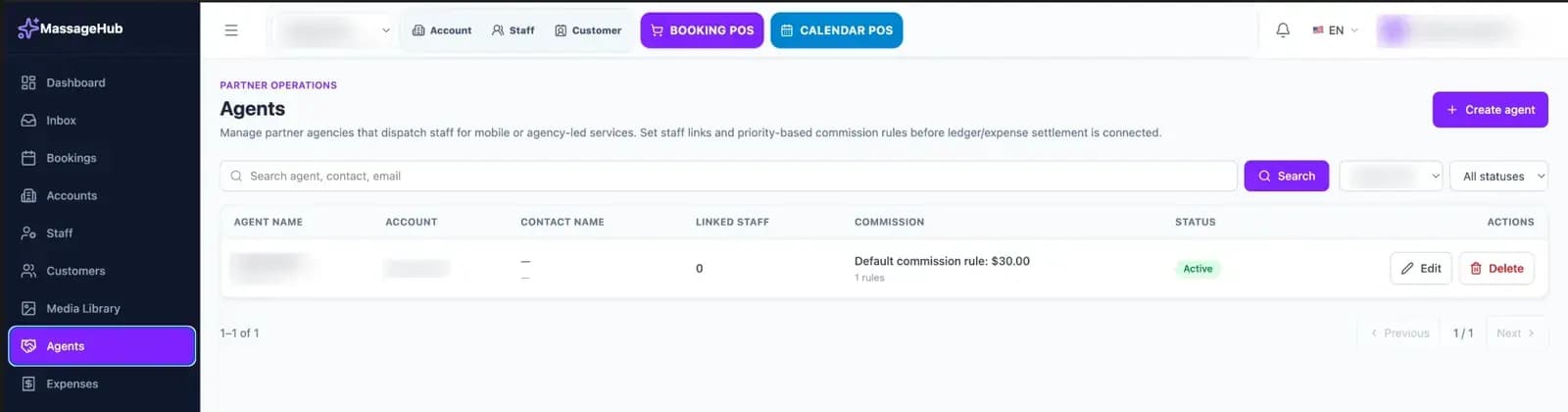
Agents
Manage the partner agencies that send staff to your shop, with commission rules.
MH/Admin in a desktop browser. Private shop details are blurred.
From Admin to your public shop
Keep shop details current in Admin, review the customer-facing pages, and use your public shop link for discovery and bookings. Booking and payment records remain in the private Admin area.